Homepage
Once you've gotten past the Start screen, you'll find yourself on your homepage. This is the offline hub area you'll use to connect to online servers, covered later.
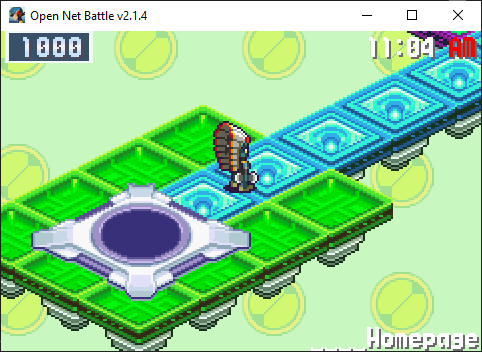
For now, press the Pause button again (Enter by default).
Start Menu
Once you've pressed Pause (Enter by default) and opened the menu, you'll see something like this:
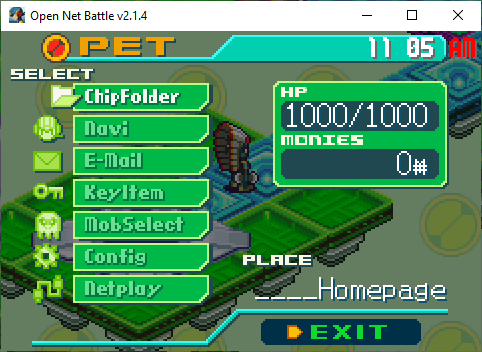
There are 7 options here, each leading to another screen:
You can also reach the Exit button you see in the corner, which will close
the menu. You can also close it with the Cancel button (X by default).
Head to each of these pages to see what these screens can do. By default, you can navigate this and other menus using the arrow keys, X to cancel, and Z to confirm and enter a menu.
I recommend going to the Config screen first, so you can change your controls to be more comfortable if you need to, or to set up a controller to use as you check everything out.